Practice management for New Zealand lawyers
One place for the whole matter.
Clients, court dates, disclosure, bail, Legal Aid and documents, kept together on each matter, with a clear view of what needs doing today.
- Privately hosted
- Multi-factor sign-in
- Full audit trail
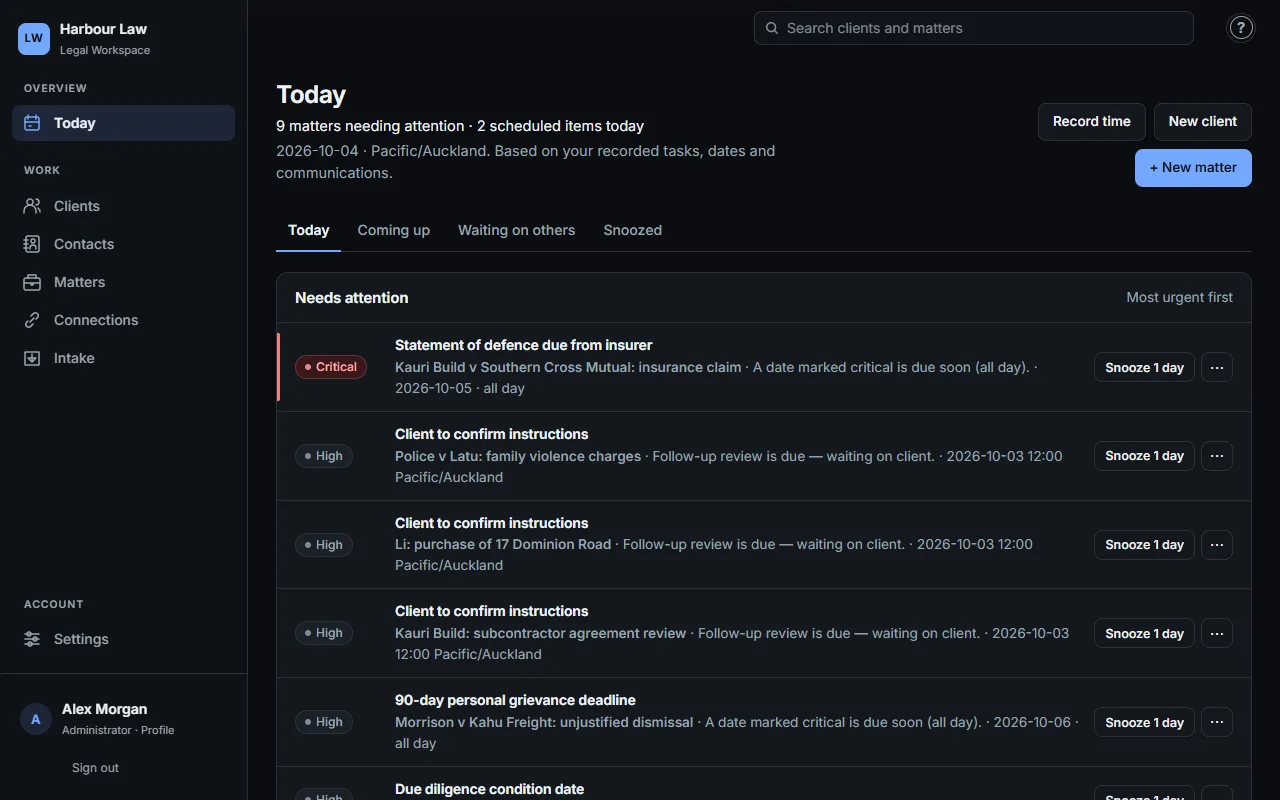
Every matter, organised
People, documents, notes, tasks and dates stay with the matter they belong to, so anyone picking it up has the full picture.
Today, at a glance
Critical deadlines, court dates and overdue follow-ups across all your matters, ranked by urgency.
Find anything fast
Filter matters by type, stage and lawyer, or search by name, court reference, PRN or CRN.
Assistance you review
Smart Capture and AI summaries suggest; nothing is saved or sent until you check it.
Built for criminal practice
The criminal file, the way you already keep it.
Each criminal matter opens on the sections lawyers use every day, replacing the case notebook.
- Court & notes
- Disclosure
- Submissions
- Letters
- Instructions
- Legal Aid
- Bail
Bail applications with Bail Act grounds and occupants, a disclosure register with follow-ups, resolution offers with response deadlines, signed instructions, and Legal Aid amendments and invoices.
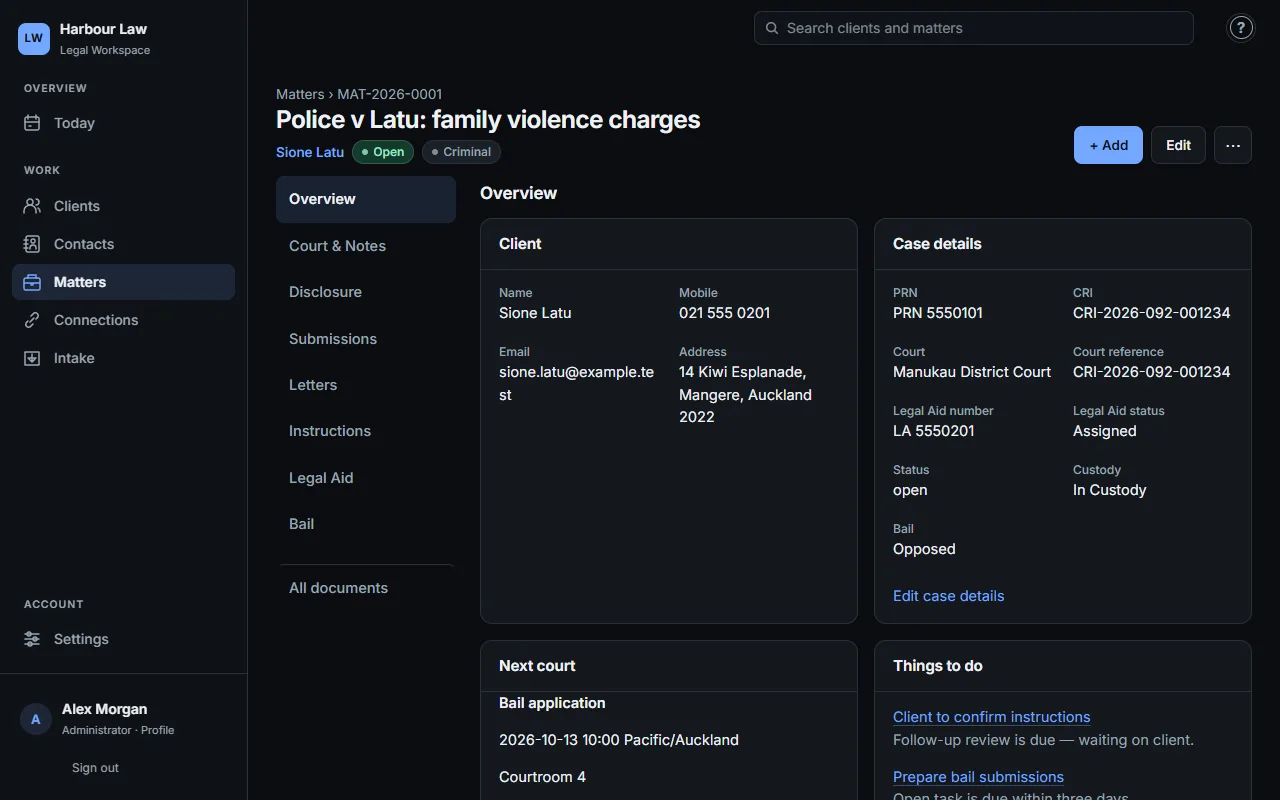
Disclosure and documents
Know what has arrived, and what is still outstanding.
Log each disclosure request with its DOCLOC reference and officer in charge. Outstanding items surface in Today until they arrive. Documents are filed by section, dated, and open in a preview.
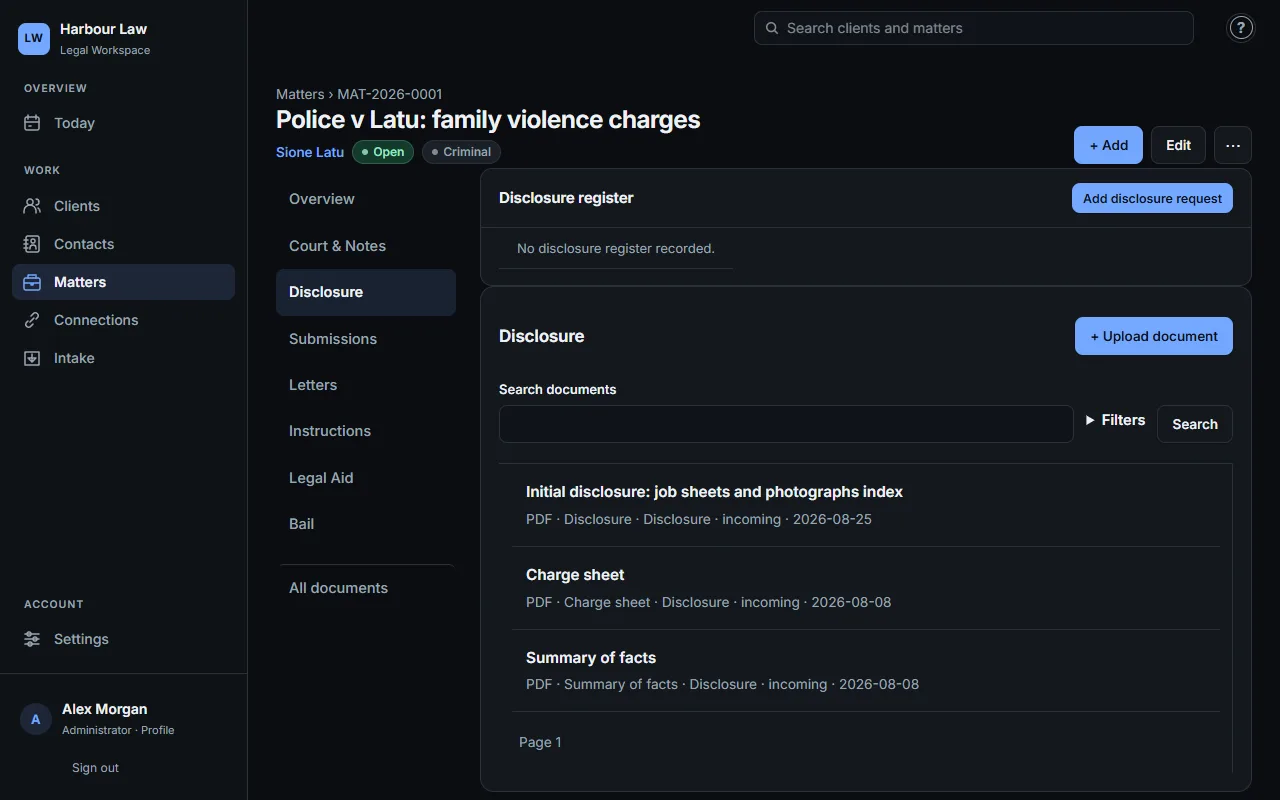
How it works
- Open the matterAdd the client and the people involved once. Everything else hangs off the matter.
- Record as you goAppearances, calls, file notes, documents and the next date, in a few clicks from anywhere on the matter.
- Start each day from TodaySee what is due, what is overdue and who you are waiting on, then open the matter to act.
Security and control
Your records stay yours.
- Private installationHosted for your practice, not shared with other firms.
- Multi-factor sign-inAuthenticator codes and per-matter access controls.
- Audit trailEvery change is recorded and cannot be edited afterwards.
- BackupsScheduled database backups, plus a backup before every update.
Looking for a specific feature?
Browse 34 step-by-step guides, from setting up a matter to recording a court appearance.
Common questions
Does this website show client records?
No. This site holds product information only. Client records are only available after signing in to your practice's workspace.
Does AI save or send anything automatically?
No. AI features are optional and need your consent. Every suggestion, summary and draft is reviewed by you before it is used.
Will everyone see the same things?
No. Roles, matter access and your administrator's settings decide what each person can see and do.